Is Your Printer The Biggest Security Threat In Your Office?
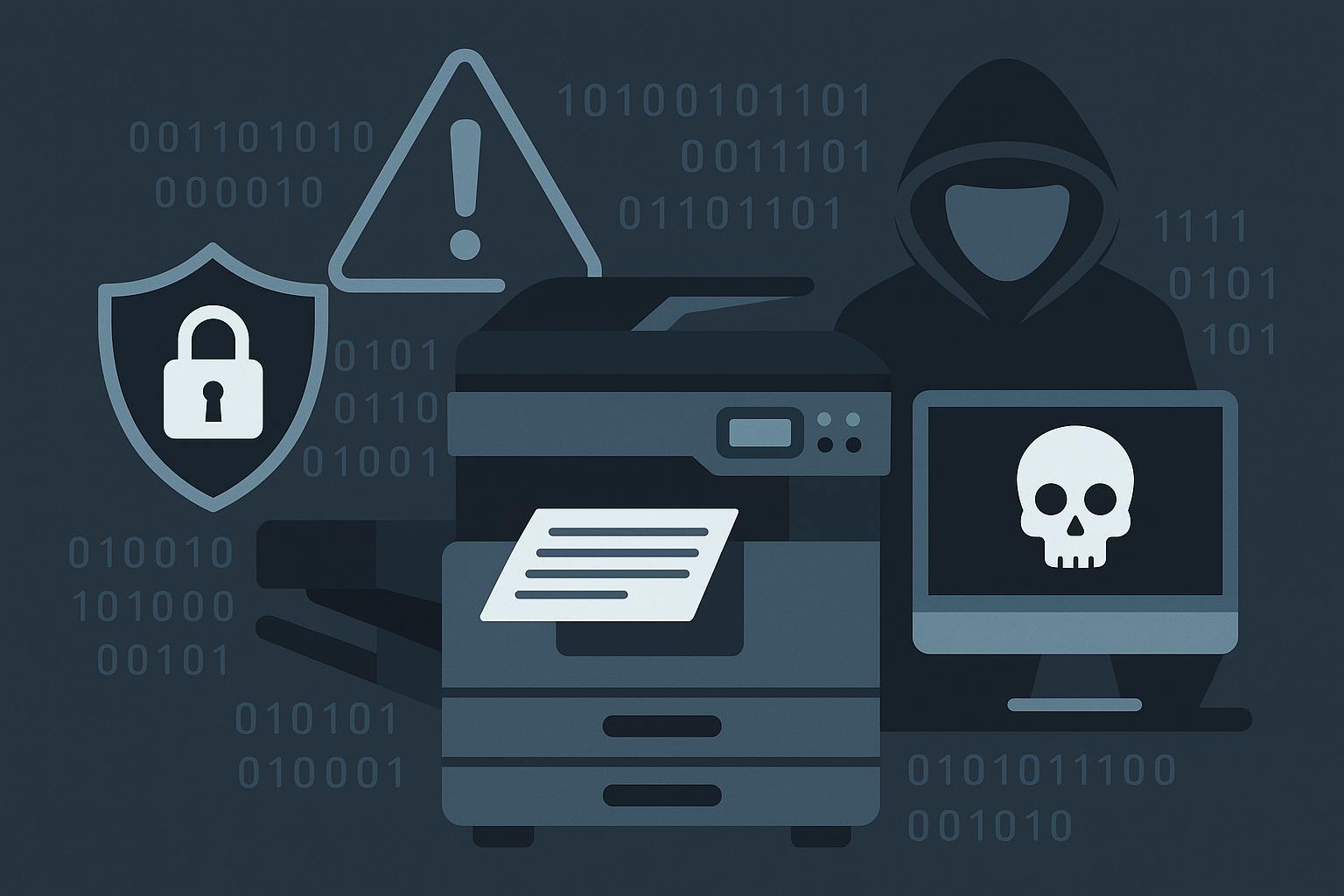
Is Your Printer The Biggest Security Threat In Your Office?
If I asked you to name the biggest cybersecurity threats in your office, you’d probably say phishing e-mails, malware or weak passwords. But what if I told you that your office printer – yes, the one quietly humming in the corner – could be one of the biggest vulnerabilities in your entire network?
It sounds ridiculous, but hackers love printers. And most businesses don’t realize just how much of a security risk they pose – until it’s too late. In 2020, Cybernews ran what they called the “Printer Hack Experiment.” Out of a sample of 50,000 devices, they successfully compromised 56% of the printers, directing them to print out a sheet on printer security. That’s nearly 28,000 compromised devices – all because businesses overlooked this “harmless” piece of office equipment.
Wait, WHY Target Printers?
Because printers are a goldmine of sensitive data. They process everything from payroll documents and contracts to confidential client information. And yet, most businesses leave them wide-open to attack.
Here’s what can happen when a hacker gains access to your printer:
-
Printers store sensitive data – Every time you print, scan or copy a document, your printer keeps a digital copy. Many printers have built-in hard drives that store years’ worth of documents, including payroll files, contracts and employee records. If a hacker gains access, they can steal or even reprint those files without your knowledge.
-
Default passwords are a hacker’s dream – Most printers come with default admin logins like “admin/admin” or “123456.” Many businesses never change them, making it ridiculously easy for cybercriminals to take control.
-
They’re an open door to your network – Printers are connected to your WiFi and company network. If compromised, they can be used as an entry point to install malware or ransomware, or steal data from other devices.
-
Print jobs can be intercepted – If your print jobs aren’t encrypted, hackers can intercept documents before they even reach the printer. That means confidential contracts, legal documents and even medical records could be exposed.
-
They can spy on your business – Many modern printers have built-in storage and even scan-to-e-mail features. If a hacker compromises your device, they can remotely access scanned documents, e-mails and stored files.
-
Outdated firmware leaves the door wide-open – Like any device, printers need security updates. But most businesses never update their printers’ firmware, leaving them vulnerable to known exploitations.
-
**Data mining from discarded printers **– Printers that were improperly disposed of can be a goldmine for cybercriminals. Residual data stored on discarded printers can be mined for sensitive information! This can result in potential security breaches. Printers need to have their storage wiped clean to avoid being vulnerable to data breaches and legal liabilities. How To Protect Your Printers From Hackers
Now that you know printers can be hacked, here’s what you need to do immediately:
-
Change The Default Password – If your printer still has the default login credentials, change them immediately. Use a strong, unique password like you would for your e-mail or bank account.
-
Update Your Printer’s Firmware – Manufacturers release security patches for a reason. Log into your printer settings and check for updates or have your IT team do this for you.
-
Encrypt Print Jobs – Enable Secure Print and end-to-end encryption to prevent hackers from intercepting print jobs.
-
Restrict Who Can Print – Use access controls so only authorized employees can send print jobs. If your printer supports PIN codes, require them for sensitive print jobs. You can also add a guest option.
-
Regularly Clear Stored Data – Some printers let you manually delete stored print jobs. If yours has a hard drive, make sure it’s encrypted, and if you replace a printer, wipe or destroy the hard drive before disposal.
-
Put Your Printer Behind A Firewall – Just like computers, printers should be protected by a firewall to prevent unauthorized access.
-
Monitor Printer Activity – If your IT team isn’t already tracking printer logs, now is the time to start. Unusual print activity, remote access attempts or unauthorized users printing sensitive documents should be red flags. Printers Aren’t Just Office Equipment – They’re Security Risks
Most businesses don’t take printer security seriously because, well, it’s a printer. But cybercriminals know that businesses overlook these devices, making them an easy target.
If you’re protecting your computers but ignoring your printers, you’re leaving a huge hole in your cybersecurity defenses.
Want to know if your office printers are secure? Start with a FREE Network Security Assessment – we’ll check for vulnerabilities and make sure your printers (and your entire network) aren’t leaving your business exposed.
Click here to schedule your FREE Network Assessment today!