cybersecurity
Dec 1, 2020
1 min
Set up automatic updates for Brew on Mac OS X
N
NewPush TeamAuthor
Automated updates for the core OS has been available for several years now on Macs, and Apple has added the ability to update automatically apps you have added from the AppStore as well. However, if you have installed open source apps with Brew, chances are that you may forget to update them regularly. This is likely to create vulnerabilities on your system, allowing attackers to get in undetected by most antiviral and anti-malware software.
To close this loop, a very simple tool can be installed, similar to the auto-update function at the OS level. Here is the “cookbook recipe” to follow:
brew update brew upgrade brew install terminal-notifier brew tap domt4/autoupdate brew autoupdate –start –upgrade –enable-notification
These commands will
- update the brew repository,
- upgrade all the existing apps,
- install the terminal notifier incase you don’t have it yet
- install the autoupdate script
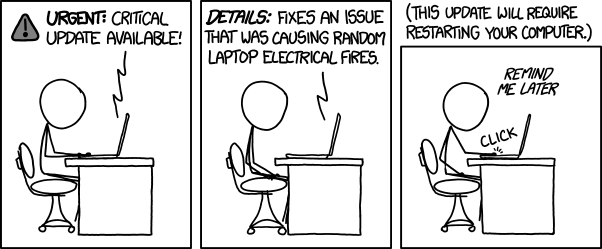
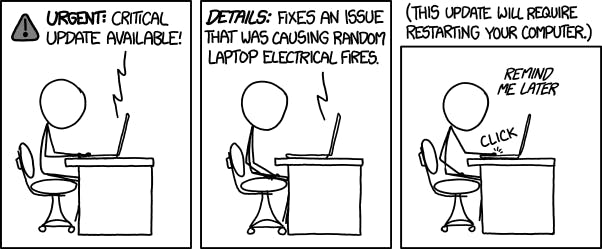
- start the autoupdate to run on a regular basis Don’t be like the picture below ? (Curtesy of xkcd.com)